PCBoard System Manager
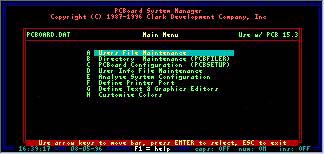
System Manager, as the name implies, is a utility designed to help manage your system. Not only can you make global changes to the users fiels, but you can also access other frequently used utilities such as PCBsetup and PCBFiler.
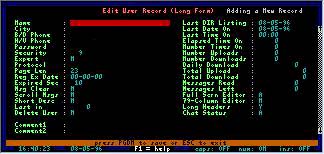
The PCBoard System Manger comes with any PCBoard software package. There are three ways you can access System Manager. From the PCBoard call waiting screen, select PCBSysMgr. While logged in locally (not with the /LOCALON switch for PCBoard), press ALT-S. From the DOS prompt, load PCBSM.EXE.
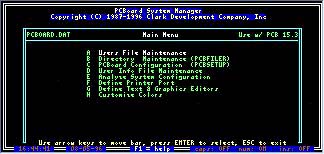
Once System Manager is loaded, you see the Main Menu (ABOVE). The Various functions of system manager are available from these menu options. The PCBoard System Manager Utility makes time consuming tasks seem effortless! It is the end result of YEARS of customer feature requests, and it gets better with every addition.
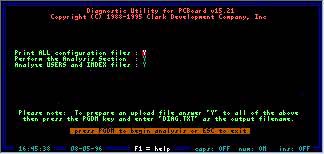
The System Manager also allows you to analyze your current configuration. At this point you can create a file with your analysis, or you may send the file to a printer. No matter how advanced your configuration, the PCBoard System Manager allows quick easy configuration.