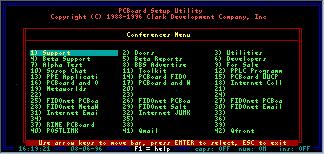
PCBoard Setup Utility
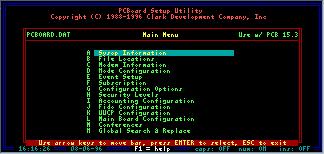
PCBSetup is a utility designed to configure the operation of PCBoard. With PCBSetup you can define new conferences, add more file directories, and even change configuration options which determince how your system operates. Once PCBSetup is running, you see the Main Menu. (ABOVE) The various functions of PCBSetup are available from these menu options.
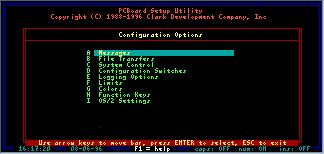
The Configuration Options menu selection (ABOVE) lists options controlling the way PCBoard behaves. There are options controlling file transfers, messages, and other items.
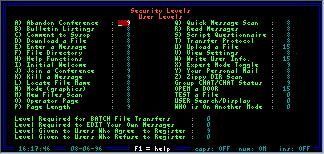
PCBoard is known for its excellent security handling and with PCBSetup, controlling access to certain functions is easy. From the Security Level menu (ABOVE), security to execute commands and other functions is controlled.
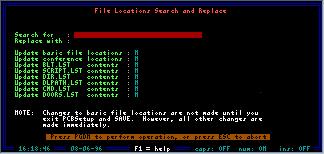
A  option to the PCBSetup main
menu which lets you perform a global "Search and Replace" operation (Above Screen) against all of the file
name and path fields in the PCBoard configuration. You can specify which areas you want
to be scanned at the same time that you enter the search and replace criteria.
option to the PCBSetup main
menu which lets you perform a global "Search and Replace" operation (Above Screen) against all of the file
name and path fields in the PCBoard configuration. You can specify which areas you want
to be scanned at the same time that you enter the search and replace criteria.