The PCBoard OS/2 Control Panel
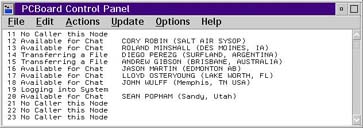
The PCBoard Control Panel (above) has several unique and powerful new capabilities not available with any other BBS software. The new "Run on Connect" feature allows the Control Panel to create additional BBS nodes as necessary to handle unusually high numbers of simultaneous callers. The Control Panel also enables you to view a list of who is currently online and what they are doing on the system. And has all the features of the PCBoard Node Monitor Application.
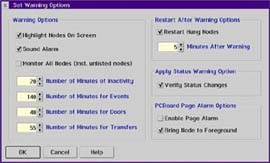
The Control Panel also includes a Watchdog capability (Configuration Above)that detects any hung nodes, even when in an external file transfer protocol or a DOOR, and terminates that session then restarts the node automatically.
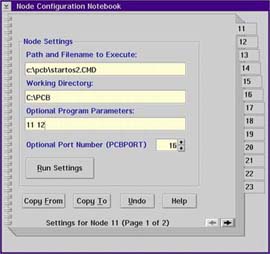
Configuration of the PCBoard Control Panel is easy, with just a few short minutes, you can have your system up and running.
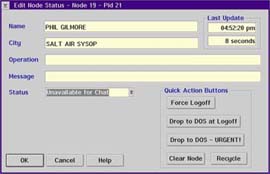
With Control Panel, you can modify the information that is shown on the screen. You may also control your nodes from here, you may send various commands to bring down your system, recycle nodes, and send messages to your online users.

